Turn every roast into reproducible data
Live bean / environmental / drum temperature curves, automatic recovery–yellow–first crack–drop markers, and heat, airflow and drum control on one screen. One UI across Windows desktop, Android tablets and phones.
Loading version info…

RoR aligned with Artisan
Right axis RoR 0–60 °C (0–80 °F) shares the same divisions as the temperature axis, so ticks sit exactly on the grid lines. Six-stage colour bands make development time readable at a glance.
Three ways to connect
Bluetooth SPP, USB serial (CH340 and friends), and Modbus TCP through an Ethernet gateway — the only path on iOS and macOS.
Desktop and phone, one build
Landscape shows the full curve; phone portrait turns every dialog into a full-screen sheet. Control heights are unified in three steps (36 / 44 / 52 dp).
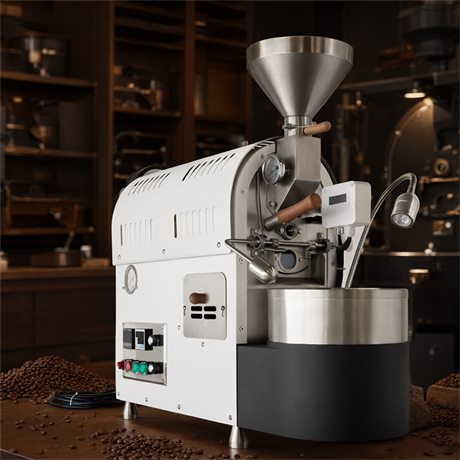
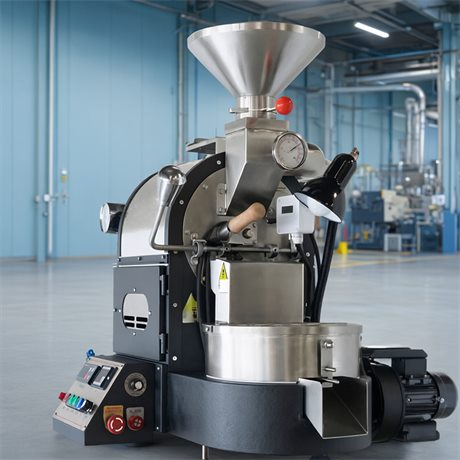
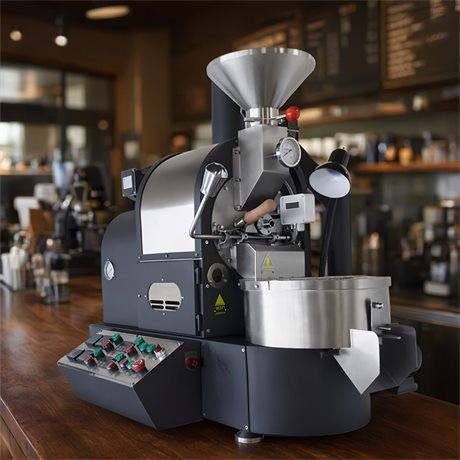
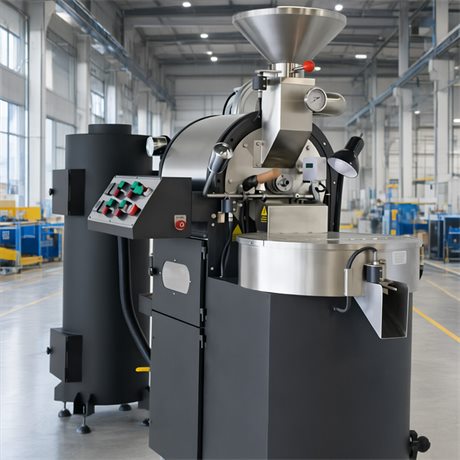
Roasters we support
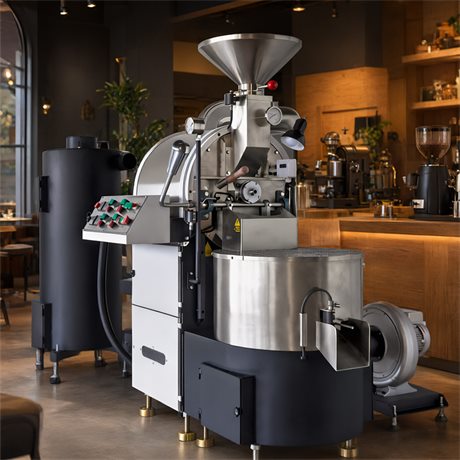
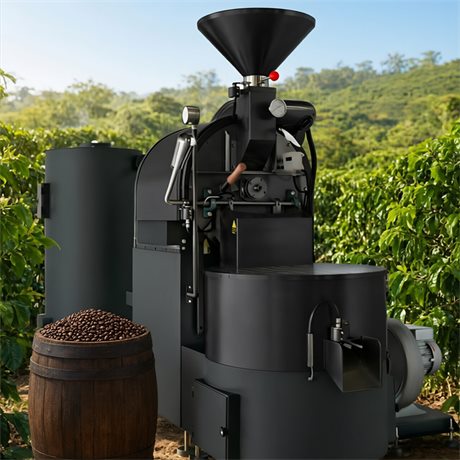
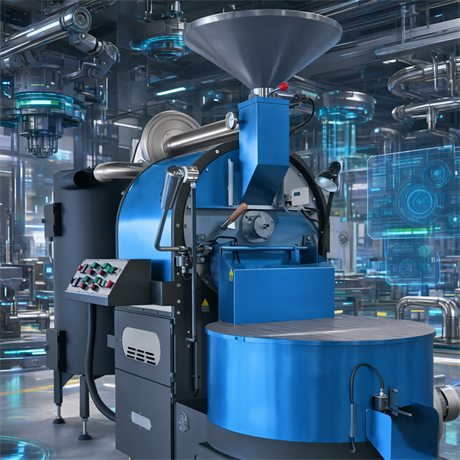
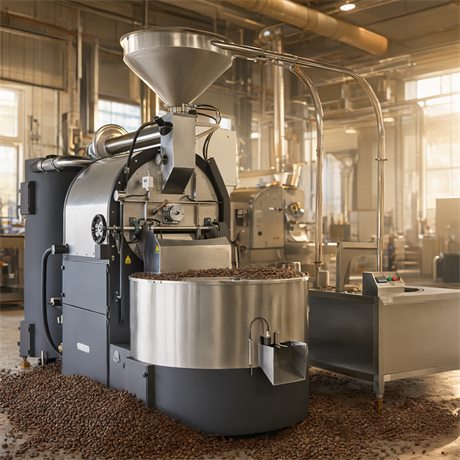
From 600 g sample roasters to 30 kg production lines. Select a model to view it on northcoffeeroasters.com.
Who it is for
Cafés and small batches
Load a profile, then let the auto task queue run back-to-back roasts.
Roasts you need to review
Curve, time table and stage markers are saved from the same source and can be exported.
More than one machine
A device list plus cloud sync — switching machines does not mean re-configuring.
Get started
Download the installer → connect the roaster (Bluetooth / serial / network) → pick the machine model → start roasting.